
The more steps it takes to schedule a meeting, the more likely your client is to give up.
A booking page is where interested visitors finally commit to doing business with you. Yet, traditional scheduling pages are often full of friction. Users are forced to scroll through endless monthly calendars, click back and forth between different time zones, or fill out long forms before they even see your availability. If the process feels clunky, prospects will simply leave the page.
Simple AI tools can fix this bottleneck. By using smart rules and automated slot suggestions, you can make booking an appointment feel completely effortless for your clients.
1. Showing the Best Available Slots Instantly
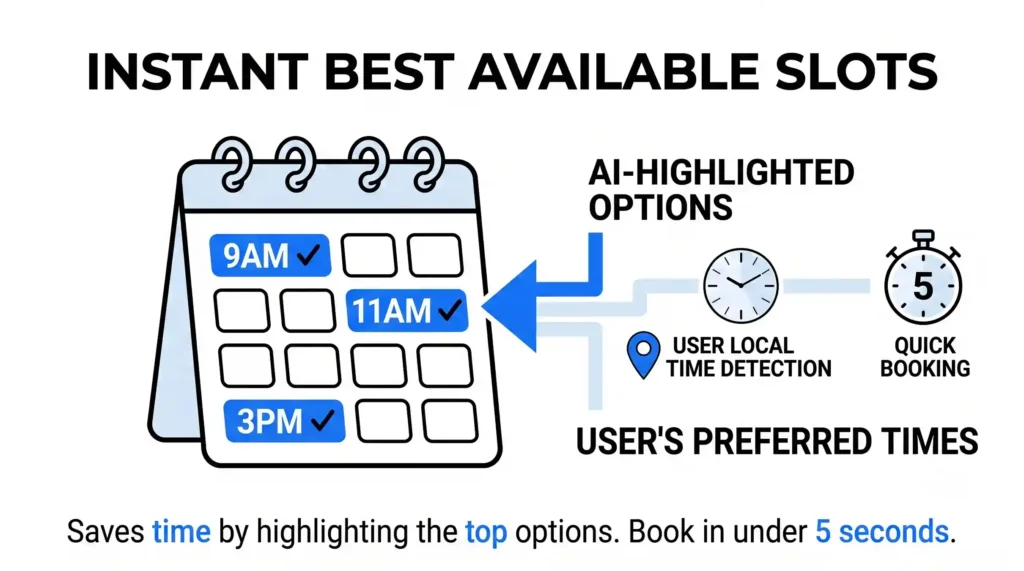
Traditional booking systems show a massive, blank calendar grid. The user has to guess which days are open, click on multiple dates, and scan a long list of times just to find a slot that works.
- How AI Helps: Instead of making the user do the math, an AI scheduler analyzes your calendar and highlights the top three “Best Options” right at the top of the page. It can even look at the user’s current local time and suggest slots that naturally fit their schedule (like early morning or late afternoon).
- The Benefit: It saves time. A client doesn’t have to scroll through weeks of calendar blocks; they can simply look at the top suggestions, click the best one, and complete the booking in under five seconds.
2. Using Simple Rules to Prevent Back-to-Back Burnout
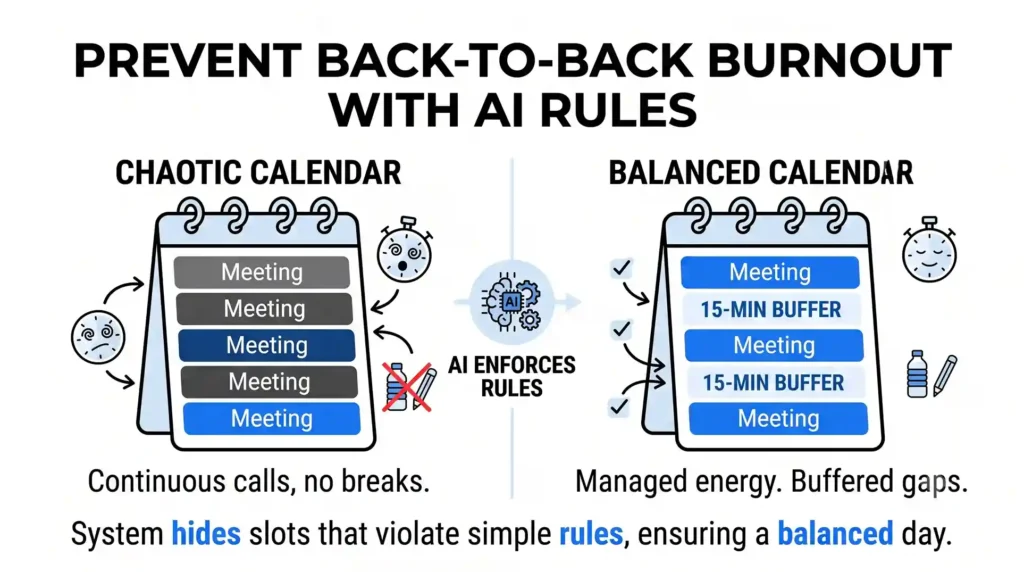
If you let a standard automated calendar handle your scheduling, you can easily end up with a chaotic day – like five back-to-back consultation calls without a single break to grab water or prepare your notes.
- How AI Helps: You can set simple, automatic boundaries that the AI monitors in the background. For example, you can create a rule that says: “Always leave a 15-minute buffer between meetings,” or “Never allow more than three strategy calls in a single afternoon.”
- The Benefit: The system manages your energy for you. The AI automatically hides slots that violate your rules, ensuring your workday remains balanced and organized without you ever having to manually block out time.
3. Automatic Time-Zone Conversions Without the Confusion
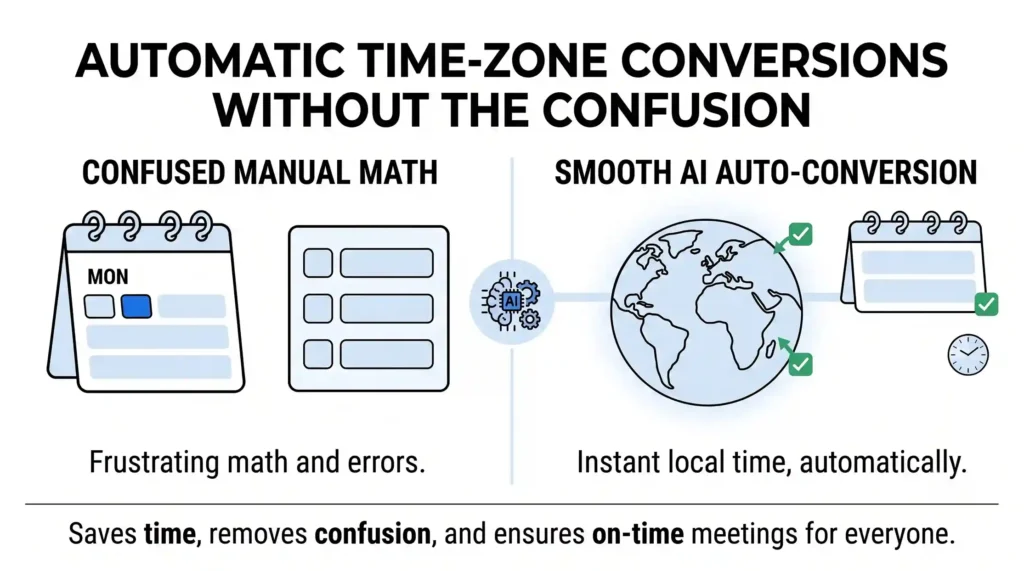
If you work with clients in different states or countries, time-zone math is a constant source of frustration. If a scheduling page displays “EST” but your client is in “GMT,” mistakes happen, leading to missed calls and wasted time.
- How AI Helps: The AI layer on your booking page instantly detects the client’s geographic location and browser settings. It automatically translates all of your open slots into their specific local time before they even select a slot.
- The Benefit: No one has to do manual time-zone math. The calendar speaks the customer’s local time naturally, removing confusion and ensuring everyone shows up to the meeting on time.
The Outcome: More Bookings with Less Administrative Hassle
A scheduling page should feel like a helpful digital assistant, not a confusing spreadsheet. By letting AI highlight the best available slots, enforce your daily boundaries, and handle time-zone conversions automatically, you turn a tedious scheduling task into a smooth, frictionless path to a sale.
At Nuclay Solutions, we focus on removing the technical friction from your digital assets. We help you install these smart, simple booking systems so you can clear out your inbox and fill up your calendar with high-value clients automatically.
Is Your Booking Page Making Clients Jump Through Hoops?
Stop losing business to clunky calendars. Connect with the Nuclay team to design effortless, automated scheduling experiences.
Simplify Your Booking Now